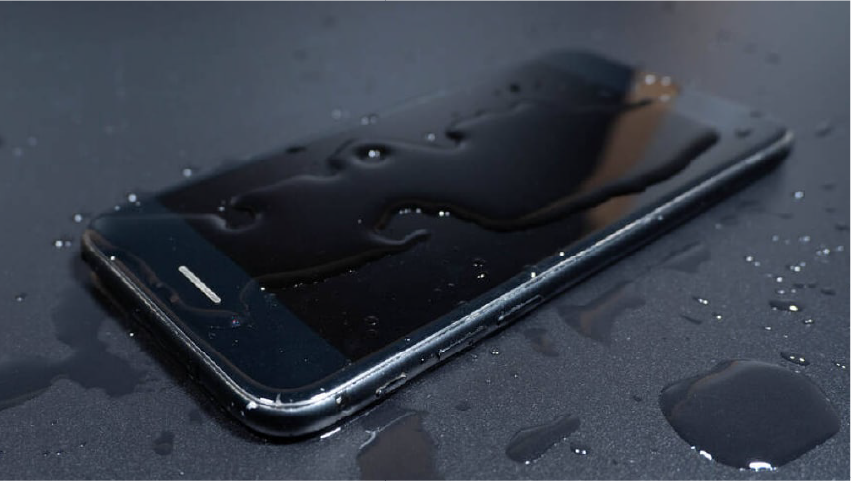
The sink. The toilet. The pint. The rain-soaked walk from the station with the phone in a coat pocket. However it happened, you now have a water damaged phone and roughly sixty minutes in which your decisions matter enormously.
Here is the part almost nobody understands: water very rarely kills a phone. Corrosion does. Water is the event; corrosion is the disease, and it starts within minutes and continues for days afterwards, quietly eating through solder joints and component legs long after the device feels dry to the touch.
That distinction explains why phones "work fine" for three days and then die on the fourth. It also explains why the rice advice is not merely useless but actively harmful — it wastes the window in which the damage can still be reversed.
At Fone Doctors we recover water damaged devices every week, and the single strongest predictor of success is not how much water got in. It is what the owner did in the first hour.
What Actually Happens Inside a Wet Phone
Understanding the mechanism makes every instruction below obvious rather than arbitrary.
When liquid reaches the logic board on a powered device, it creates unintended electrical paths between components. That is a short circuit, and it can destroy a component instantly. This is why powering the device on is the single most damaging thing you can do.
Then comes the slower problem. Water — especially tap water, seawater, beer or anything else with dissolved minerals — conducts electricity. With even a trace of residual current from the battery, that conductivity drives electrolysis: an electrochemical reaction that strips metal from the tiny solder joints and component legs on the board. The result is corrosion, and it looks like green or white crust under magnification.
Corrosion continues after the phone appears dry. Residue left behind by evaporating liquid remains hygroscopic — it pulls moisture from the air — so the reaction keeps going in a device sitting in a drawer.
Not all liquids are equal
| Liquid | Relative risk | Why |
|---|---|---|
| Distilled or filtered water | Lower | Minimal dissolved minerals, less conductive |
| Tap water | Moderate | Dissolved minerals conduct and leave residue |
| Rainwater | Moderate | Picks up pollutants and particulates |
| Toilet water | High | Bacteria plus dissolved solids, plus contamination concerns |
| Beer, wine, fizzy drinks | Very high | Sugars leave a sticky conductive residue that never fully dries |
| Coffee and tea, especially with milk | Very high | Sugars, oils and proteins, plus heat accelerating penetration |
| Seawater | Extremely high | Salt is highly conductive and aggressively corrosive |
| Chlorinated pool water | Extremely high | Chlorine attacks metals directly |
If your phone went into anything on the bottom half of that table, treat it as urgent regardless of whether it currently seems fine.
The First Hour Checklist
Work through these in order. The order matters.
Minutes 0 to 2: Stop the electricity
- Get it out of the liquid immediately. Every additional second is more ingress.
- Power it off properly. Not sleep — fully off. If it is already off, leave it off. This is the single most important action.
- Do not press buttons to check if it works. Every button press is an opportunity for current to cross a wet path.
- Do not plug it in to charge, and do not connect it to a computer. Introducing mains power to a wet board is how a recoverable phone becomes a dead one.
Minutes 2 to 10: Remove and drain
- Take the case off. Cases trap liquid against the chassis and slow evaporation dramatically.
- Eject the SIM tray. On most modern phones this is the largest opening into the chassis and creates a genuine drainage and airflow path.
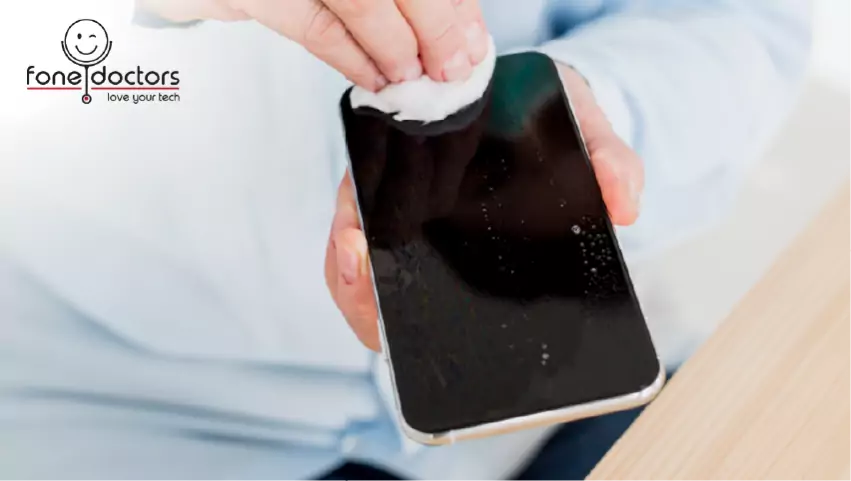
- Dry the exterior with a soft absorbent cloth. Pay attention to the charging port, speaker grilles and the SIM slot.
- Hold it with the ports facing down and shake gently. Firm, controlled shakes with the screen facing you and ports downward. You are using gravity, not force.
- Remove any accessories — pop socket, wallet attachment, screen protector if it is lifting and holding water underneath.
Minutes 10 to 60: Do no further harm
- Leave it powered off, ports down, on an absorbent surface in a warm, dry, well-ventilated room.
- Do not apply heat. No hairdryer, no radiator, no airing cupboard, no oven. Heat drives moisture further inward, warps adhesive seals, and damages the battery.
- Do not use a vacuum cleaner. The static risk to a wet board is real.
- Do not shake it violently or swing it. You will drive liquid into areas it had not reached.
- Book a repair appointment now, while the phone sits. This is the productive use of the remaining time.
Why Rice Does Not Work
The rice advice is the most widely repeated and least effective piece of technology folklore in circulation. Here is the honest reasoning.
Rice is a poor desiccant. Uncooked rice absorbs a small amount of ambient humidity slowly. It does not draw liquid out of a sealed aluminium and glass chassis. Controlled comparisons repeatedly show rice performing barely better than leaving a device on a table in open air.
It cannot reach the problem. The liquid causing damage is on the logic board, behind adhesive seals and shielding cans. No ambient desiccant can pull it out through those barriers.
It introduces new problems. Rice dust and starch particles get into charging ports, speaker grilles and SIM slots, where they absorb moisture, swell, and cause their own connection faults. We regularly extract compacted rice starch from charging ports.
Above all, it wastes the window. The standard advice is to leave the phone in rice for 24 to 48 hours. That is precisely the period during which corrosion is doing its worst and professional cleaning would still fully reverse it. Rice does not stop the reaction; it just prevents you from watching it happen.
| Method | Removes surface moisture | Reaches the logic board | Stops corrosion | Verdict |
|---|---|---|---|---|
| Rice | Marginally | No | No | Ineffective, and costs you the critical window |
| Silica gel packets | Somewhat better than rice | No | No | Slightly better, still cannot reach the board |
| Hairdryer or radiator | Yes, on the outside | No | No | Actively harmful — drives moisture inward, damages seals and battery |
| Airing in a warm room, ports down | Yes | Partially | No | Reasonable holding action only |
| Professional ultrasonic cleaning | Yes | Yes | Yes | The only method that removes residue and reverses corrosion |
What Professional Water Damage Treatment Involves
The reason professional recovery works is that it addresses the residue, not just the moisture.
- Immediate power isolation. The battery is disconnected before anything else, ending electrolysis at the source.
- Full disassembly. Every module is removed and the logic board comes out of the chassis. Liquid hides under shielding cans and beneath connectors, where no drying method reaches.
- Inspection under magnification. Liquid contact indicators are checked, and the board is examined under a stereo microscope to map corrosion and identify affected components.
- Ultrasonic cleaning. The board is bathed in a specialist solution and agitated at ultrasonic frequency, which lifts conductive residue out of the microscopic gaps beneath chips where nothing else can reach. This is the step that genuinely separates professional recovery from anything achievable at home.
- Corrosion removal and rework. Oxidised joints are cleaned, and corroded components are replaced or reflowed under microscope.
- Controlled drying and staged testing. The board is dried properly, then powered on a bench supply first, so that current draw can be monitored before any risk is taken with the battery.
- Reassembly, component replacement and reseal. Water-damaged batteries are replaced as a matter of course, waterproofing gaskets are renewed, and the device is soak-tested.
Our water damage repair in London follows exactly that sequence, with free diagnostics and a no fix, no fee policy — because with liquid damage in particular, nobody can honestly guarantee an outcome before they have opened the device, and charging for an unsuccessful attempt would be indefensible.
When To Stop and Get Professional Help
Go straight to a specialist, today, if any of these apply:
- The liquid was salt water, chlorinated pool water, or anything sugary — beer, wine, fizzy drinks, coffee with milk.
- The phone was powered on when it got wet, or has been switched on since.
- It was plugged in or charging at the time.
- The device was submerged rather than splashed.
- The screen shows discolouration, pink or purple patches, or bleeding.
- The phone works but behaves oddly — random touches, unreliable charging, distorted audio, camera fogging.
- More than 24 hours have passed since the incident.
That last one deserves emphasis. Phones that seem to survive water damage and then fail days later are the norm, not the exception, and by then the corrosion is far more advanced and the repair far more expensive.
If your device contains work data, irreplaceable photos, or two-factor authentication apps you cannot recover elsewhere, bring it to our London clinics immediately rather than experimenting. Recovery odds fall measurably with every day that passes.
Recovery likelihood against time
| Time since incident | Typical recovery outcome |
|---|---|
| Under 6 hours, powered off immediately | Very high. Usually a full clean with no component replacement |
| 6 to 24 hours, powered off | High. Cleaning plus occasional component replacement |
| 1 to 3 days | Moderate. Corrosion established, more rework required |
| 3 to 7 days | Reduced. Component-level repair likely, data recovery may become the priority |
| Over a week, or powered on repeatedly | Low for full function. Data recovery often still possible |
Note the final column. Even where a device cannot be economically returned to full working order, the photographs, messages and files on it can very often still be recovered. Those are two separate jobs with two separate success rates, and it is worth asking about both.
Related repair guides
If the handset will not boot afterwards, see how to recover data from a dead phone. Charging problems after a soak are covered in phone not charging: port diagnosis.
Key Takeaways
- Corrosion destroys phones, not water — and it continues for days after the device feels dry.
- Power the phone off immediately and never charge it. That single action determines most outcomes.
- Rice does not work, cannot reach the problem, and costs you the window in which recovery is straightforward.
- No heat, ever. Hairdryers and radiators drive moisture inward and damage seals and the battery.
- Sugary drinks and salt water are the highest-risk liquids and need attention within hours.
- A phone that still works after a soaking is not safe. Get it cleaned before the delayed failure arrives.
Frequently asked questions
No. Rice is a poor desiccant, cannot reach the logic board where the damage is occurring, introduces starch dust into ports, and above all consumes the 24 to 48 hour window during which professional cleaning would still fully reverse the corrosion. Turn the phone off and get it to a specialist instead.
Share with your community
Get in touch
Questions about this repair? Send a message or book a slot at a London clinic.