"Can you hear me? Hello? I'll call you back." Then you call back, and it is the same.
Audio faults are uniquely maddening because they are so ambiguous. When people cannot hear you, is it your microphone, their earpiece, the network, or Bluetooth quietly routing your voice to a car you are not sitting in? When you cannot hear them, is it the earpiece, the volume, a case blocking the grille, or a speaker that has genuinely died?
The good news is that a modern phone has three or four microphones and two speakers, and each one is used for different things. That means a five-minute structured test can tell you exactly which component has failed — and, just as often, prove that nothing has failed at all and the problem is a blocked grille or a software setting.
At Fone Doctors a striking share of "phone microphone not working" visits end with a cleaned grille and no charge. Here is how to find out whether yours is one of them before you book anything.
Where Your Microphones and Speakers Actually Are
Knowing what sits where turns a vague "audio is broken" into a specific diagnosis.
| Component | Where it is | What it is used for | Symptom when it fails |
|---|---|---|---|
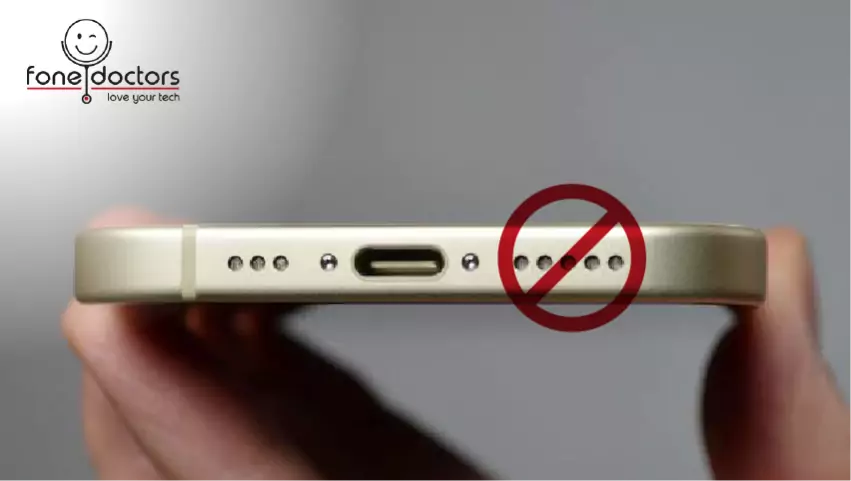
| Bottom microphone | Next to the charging port, behind a grille | Phone calls, voice memos, Siri and Google Assistant, voice messages | People cannot hear you on normal calls; voice memos are silent |
| Top / front microphone | Near the earpiece or on the top edge | Noise cancellation on calls, video recording audio, speakerphone calls on some models | Video audio is silent or muffled; callers hear you with heavy background noise |
| Rear microphone | Next to the rear camera | Video recording audio with the rear camera | Rear-camera videos have no sound; front-camera videos are fine |
| Earpiece speaker | Top of the screen, behind a fine mesh | Hearing the other person on a normal call | You cannot hear callers unless you switch to speakerphone |
| Loudspeaker | Bottom edge, next to the charging port | Speakerphone, music, ringtones, alarms, video playback | No ringtone, no music, silent speakerphone — but calls to the ear work |
The key insight: a normal call uses the bottom mic and the earpiece. Speakerphone uses the top mic and the loudspeaker. If one works and the other does not, you have isolated the fault to a single component.
The Five-Minute Diagnostic
Work through in order. Each test targets one component.
Test 1: Rule out the obvious
- Take the case off. Thick cases, and particularly wallet cases, block grilles. This resolves a remarkable number of "faults."
- Check Bluetooth. Settings, then Bluetooth. If any device is connected — a car, earbuds in a bag, a speaker in another room — your audio may be routing there. Disconnect everything and retest.
- Check the volume and silent switch. Obvious, routinely the answer.
- Check Do Not Disturb and Focus modes. These silence ringtones without affecting calls.
- Restart the phone. Audio routing occasionally gets stuck. A restart costs nothing.
Test 2: Bottom microphone — the voice memo test
Open Voice Memos or any recorder app. Record ten seconds of speech holding the phone normally. Play it back.
- Clear: bottom mic is fine.
- Silent or very faint: bottom mic is blocked or failed.
- Muffled, as if underwater: bottom mic grille is blocked, or the mic has water or lint damage.
Test 3: Top microphone — the front video test
Open the camera, switch to the front camera, record ten seconds of video while speaking. Play it back.
- Clear: top mic is fine.
- Silent: top mic failed.
- Fine here but callers complain of background noise: the top mic may have failed and noise cancellation has stopped working.
Test 4: Rear microphone — the rear video test
Same as test 3, but with the rear camera. Silence here with a working front video means the rear mic specifically.
Test 5: Earpiece — the normal call test
Call someone, or your own voicemail, holding the phone to your ear. Turn the volume up fully.
- Clear: earpiece is fine.
- Silent, or very faint even at full volume: earpiece blocked or failed.
- Crackling or distorted: earpiece mesh contaminated, or the speaker itself damaged.
Test 6: Loudspeaker — the speakerphone test
Play music, or switch a call to speakerphone.
- Clear: loudspeaker is fine.
- Silent: loudspeaker failed, or grille completely blocked.
- Crackling or rattling, particularly at high volume: water damage or a torn speaker cone.
Reading the results
| Voice memo | Front video | Call to ear | Speakerphone | Diagnosis |
|---|---|---|---|---|
| Silent | Fine | Fine | Fine | Bottom microphone |
| Fine | Silent | Fine | Fine | Top microphone |
| Fine | Fine | Silent | Fine | Earpiece speaker |
| Fine | Fine | Fine | Silent | Loudspeaker |
| Silent | Silent | Fine | Fine | Audio circuit fault — board-level |
| Fine | Fine | Silent | Silent | Audio circuit fault — board-level |
| Muffled | Muffled | Muffled | Muffled | Water or debris ingress across the device |
| Fine | Fine | Fine | Fine | Software, Bluetooth routing or the other person's phone |
The Most Common Cause: Blocked Grilles
Every microphone and speaker on a phone sits behind a grille or mesh. Every day, pocket lint, dust, skin oil and — in London — the fine black grime of the Underground compact into those openings. Over months, it forms a mat dense enough to muffle a speaker or kill a microphone entirely.
How to check: shine a torch at each grille. A clean grille shows the mesh pattern clearly. A blocked one looks grey and solid.
How to clean safely:
- Power the phone off.
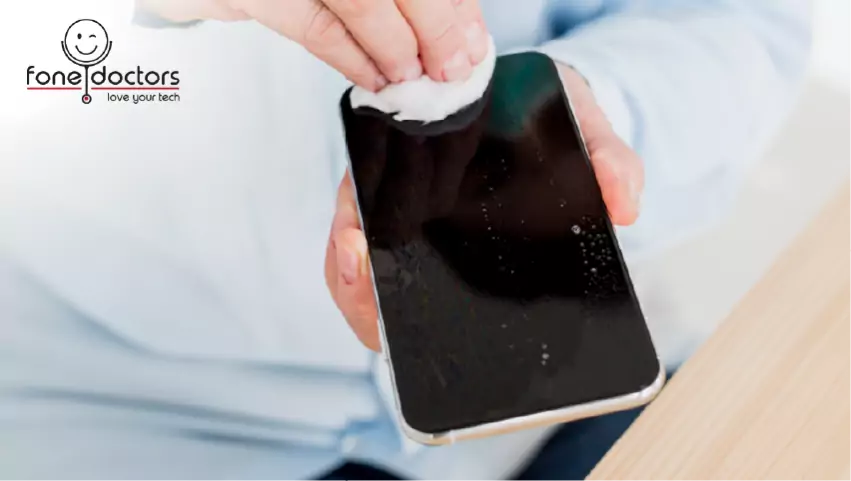
- Use a soft, dry toothbrush and brush gently across the grille in short strokes. Do not press into it.
- For the earpiece mesh, a piece of low-tack tape pressed on and lifted off draws out debris without pushing it in.
- Never use compressed air pointed into a grille (it drives debris inward and can damage the diaphragm), pins or needles (they puncture the mesh), or any liquid.
- Power on and retest.
If that does not clear it, the debris is behind the mesh and needs professional cleaning — which, at our clinics, is usually free and takes a few minutes.
When It Is Water or a Component Failure
Two patterns point away from debris and toward genuine hardware repair.
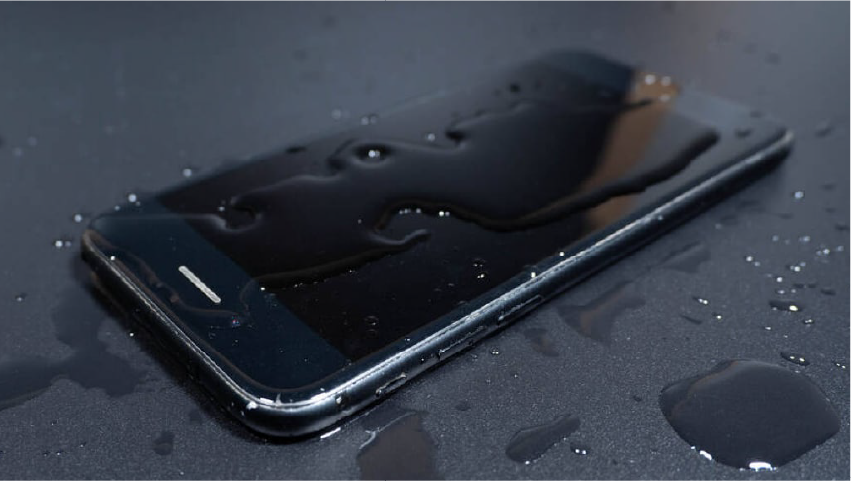
Everything is muffled at once. Water — even a splash, even weeks ago — leaves residue on every mesh and diaphragm. If all four tests are degraded together, the phone has likely had liquid exposure, and the microphones and speakers may be the first visible symptom of corrosion that is still spreading.
One component failed suddenly and completely. A microphone that worked yesterday and is silent today, with no debris visible, has usually failed electrically — the mic itself, its flex cable, or its connector. This is a straightforward parts repair.
Crackling or distortion at volume almost always means a physically damaged speaker cone or a contaminated one. Cleaning sometimes helps; replacement is the reliable fix.
What a Speaker or Microphone Repair Involves
| Repair | What is done | Turnaround | From |
|---|---|---|---|
| Grille cleaning | Professional cleaning of all grilles and meshes with the device open where needed | 10 to 20 minutes | Usually free |
| Earpiece speaker replacement | Display lifted, earpiece flex replaced — on Face ID iPhones this shares the Face ID flex and requires expert handling | 45 to 60 minutes | £59 |
| Loudspeaker replacement | Bottom speaker module replaced | 30 to 45 minutes | £59 |
| Bottom microphone replacement | Usually part of the charging port flex assembly; the whole assembly is replaced | 45 to 90 minutes | £79 |
| Top or rear microphone replacement | Flex or module replacement depending on model | 45 to 60 minutes | £59 |
| Audio circuit repair | Board-level microscope work on the audio IC — common on certain iPhone 7 models and water-damaged devices | 1 to 3 days | Diagnostic required |
| Water damage treatment | Full disassembly, ultrasonic clean, then component replacement as needed | 1 to 3 days | Diagnostic required |
Our phone repair service covers all of these on iPhone, Samsung and Google Pixel, with free diagnostics, a fixed price before work begins and a twelve-month warranty.
A note on the earpiece on Face ID iPhones. The earpiece speaker sits on the same flex cable as the flood illuminator for Face ID. Replacing it means handling a component that is paired to your phone and cannot be substituted. This is precisely the repair that budget shops get wrong and kill Face ID in the process. Ask specifically whether the shop transfers the original flood illuminator when replacing an earpiece.
When It Is Time To Bring It In
Stop troubleshooting and get it looked at if:
- Cleaning the grilles has not helped
- A component has failed completely and suddenly
- All audio is muffled together — this points to liquid exposure and the clock is running
- There is crackling, rattling or distortion
- The phone has any history of water contact, however minor
- The fault comes and goes — intermittent audio usually means a flex or connector fault that will become permanent
Bring it into our London clinics for a free diagnostic. We run all six tests above with reference equipment, inspect every grille under magnification, and tell you whether you need a clean, a part, or nothing at all.
Related repair guides
See also what to do in the first hour after water damage and phone not charging.
Key Takeaways
- Your phone has three or four microphones and two speakers. Test each one separately and the fault identifies itself.
- A normal call uses the bottom mic and earpiece; speakerphone uses the top mic and loudspeaker. If one works and the other does not, you have found the component.
- Blocked grilles are the most common cause by far. Clean with a soft dry brush or low-tack tape — never compressed air or pins.
- Everything muffled at once points to water exposure, and that needs the whole device assessed.
- Sudden, complete failure of one component is a parts repair from around £59.
- Earpiece replacement on Face ID iPhones must transfer the original flex, or Face ID is lost.
Get Your Audio Checked Free
Full six-point audio diagnostic, grille cleaning usually free, fixed pricing on any repair before you commit, and a twelve-month warranty. Walk into our London Bridge, Liverpool Street or Canary Wharf clinics, or book a collection.
Book a repair: https://fonedoctors.co.uk/booking/device
See all repair prices: https://fonedoctors.co.uk/prices
Call the clinic: +44 20 7403 9111
Frequently asked questions
Most often the bottom microphone grille is blocked with lint, or Bluetooth is routing your voice to a connected device. Test with a voice memo: if it records clearly, the microphone works and the problem is routing or the other person's phone. If the memo is silent or muffled, clean the bottom grille; if that does not help, the microphone or its flex has failed.
Share with your community
Get in touch
Questions about this repair? Send a message or book a slot at a London clinic.