Most people who search this phrase are not really asking about a phone. They are asking about the photographs from a holiday nobody backed up, a voice note from someone who is no longer here, three years of messages, or a two-factor authentication app that is currently standing between them and their own bank account.
The phone is replaceable. That is why the question is urgent.
Here is the reassuring reality: a phone that will not turn on is very often a phone whose data is entirely intact. Storage is a separate component from the parts that usually fail. A dead battery, a broken screen, a failed power circuit or a water-damaged charging line all stop a phone booting while leaving the memory chip untouched and fully readable.
The risk is not usually the original failure. It is what happens next. At Fone Doctors the cases that end badly are almost always the ones where the owner spent three days trying increasingly aggressive fixes found online before bringing the device in.
Why a Dead Phone Usually Still Has Your Data
Your files do not live in the screen, the battery, the charging port or the power management chip. They live on a NAND flash memory chip soldered to the logic board, and that chip is remarkably durable. It has no moving parts, it survives impacts that destroy everything around it, and it retains data without power for years.
So when a phone will not turn on, the practical question is not "is the data gone?" It is "what is stopping us reaching it?"
| What failed | Is the data usually intact? | Typical route to recovery |
|---|---|---|
| Battery completely dead or swollen | Yes | Replace the battery, boot normally |
| Screen smashed, phone still running | Yes | Temporary display, or output to an external screen |
| Charging port destroyed | Yes | Repair the port, or bench-power the board |
| Water damage, board still viable | Usually | Ultrasonic clean, then boot and extract |
| Power management circuit failure | Yes | Board-level micro-soldering repair |
| Boot loop or corrupted system software | Usually | Recovery-mode extraction without a wipe |
| Severe physical damage, board cracked | Sometimes | Chip-off recovery from the NAND directly |
| Storage chip itself physically destroyed | Rarely | Very limited options |
| Phone wiped or factory reset | Almost never on modern devices | Encryption keys are destroyed by the reset |
Read the last row carefully, because it is the single most important line in this article.
The Mistakes That Destroy Data Permanently
Everything above is recoverable. The following actions are what turn a recoverable situation into an unrecoverable one.
1. Performing a factory reset "to fix it"
This is by far the most common way people lose data forever. Modern iPhones and Android devices are encrypted at rest. A factory reset does not laboriously overwrite your files — it destroys the encryption key, which renders every byte on the chip permanently unreadable in an instant. It is fast, it is irreversible, and no laboratory on earth can undo it.
If a device is displaying a prompt offering to erase or reset, and the data matters to you, stop there.
2. Repeatedly trying to power on a water-damaged phone
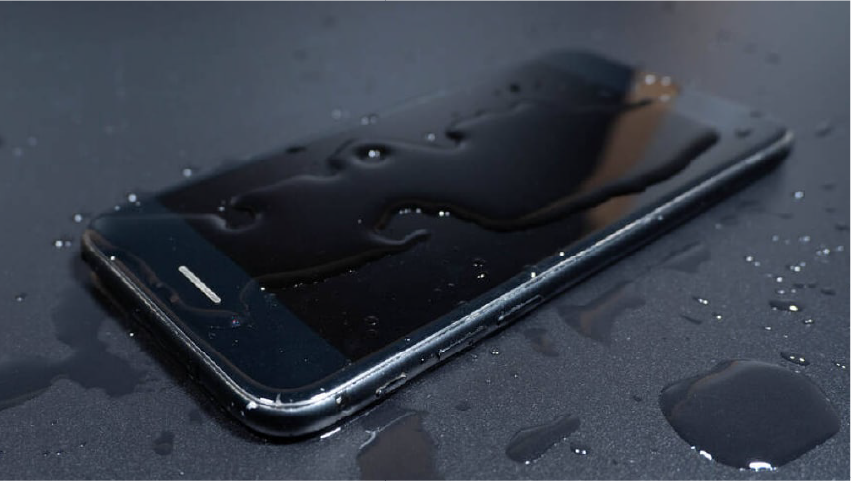
Every attempt drives current through a wet or corroded board. Each attempt increases the chance of shorting the very component that would otherwise have allowed a clean extraction. One attempt is understandable. Twenty attempts over three days is how a straightforward recovery becomes chip-off surgery.
3. Charging a water-damaged device
Applying mains power to a board with liquid residue on it accelerates electrolysis dramatically. It is the fastest available route to destroying the storage controller.
4. Free recovery software from search results
Much of it is ineffective, some of it is malware, and a meaningful proportion writes to the device — which overwrites recoverable data and can corrupt the file system. Anything requiring you to root or jailbreak the phone first is particularly dangerous, because that process itself writes extensively to storage.
5. Entering the wrong passcode repeatedly
On iPhones, and on many Android devices, repeated failed attempts trigger progressively longer lockouts and can, with certain settings enabled, initiate an automatic wipe after ten failures. If you are unsure of the passcode, stop guessing.
6. Opening the device yourself
The logic board is not designed to be handled without ESD protection. Static discharge you cannot feel is sufficient to damage the storage controller, and a slipped tool near the NAND is decisive.
7. Waiting
With liquid damage in particular, corrosion advances daily. The chance of straightforward recovery falls measurably with every day the board sits untreated.
What To Do Right Now
If the data matters, work through this list.
- Stop trying to turn it on. After two failed attempts, further attempts add risk without adding information.
- Do not charge it if there is any possibility of liquid exposure.
- Do not reset, restore or erase anything, however confidently a forum post recommends it.
- Check your existing backups first, before spending anything on recovery.
- Write down what you actually need. Photos from specific dates, particular message threads, an authenticator app, work documents. This shapes the recovery approach and, for authenticator apps, there is often a faster route through account recovery with the service provider directly.
- Get it assessed professionally, ideally within days rather than weeks.
Check these backups before paying for anything
| Platform | Where to look | What it typically contains |
|---|---|---|
| iPhone | iCloud.com, then Photos and Drive. Also Settings on another Apple device, iCloud, Manage Storage, Backups | Photos, messages if iCloud Messages was on, contacts, notes |
| iPhone with a computer backup | Finder on macOS, or iTunes on Windows, in Devices | A full device backup, often more complete than iCloud |
| Android | Google Photos, Google Drive, and Google One backup | Photos, contacts, app data, SMS on many devices |
| Samsung | Samsung Cloud through account.samsung.com | Photos, contacts, device settings |
| iCloud or Google Drive chat backup, checked inside WhatsApp settings on a new device | Chat history and media, restorable to a new phone | |
| Photos generally | Amazon Photos, Dropbox, OneDrive — often enabled and forgotten | Automatic camera uploads going back years |
A genuinely large number of people who come to us for data recovery discover that Google Photos or an old iCloud backup already holds most of what they were worried about. It costs nothing to check, and we would rather you checked first.
How Professional Data Recovery Works
Where the backups do not cover it, there are three escalating approaches.
Level 1: Repair and boot
The fastest and cheapest route. If the fault is a battery, screen, charging port or a repairable board fault, the device is repaired conventionally, booted normally, and you simply back it up as usual. The overwhelming majority of successful recoveries end here.
Level 2: Board-level repair for extraction
Where the phone cannot be economically returned to full working order but the board can be brought up temporarily, the board is stabilised — corrosion cleaned, failed power components replaced under microscope — and powered on a bench supply just long enough to extract the data. The device may never be returned to normal service; that is not the objective.
Level 3: Chip-off recovery
The last resort, used where the board is beyond repair. The NAND flash chip is desoldered from the board under controlled hot air, cleaned, and read directly using a specialist programmer.
This is genuinely difficult work, and it is worth being candid about the limits. On modern iPhones the storage is encrypted against a key held in the Secure Enclave on the processor, so reading the NAND in isolation returns encrypted data. Recovery in those cases depends on transplanting the chip to a donor board with matching pairing, which is intricate micro-soldering with no guarantee of success. Anyone promising certainty here is overselling.
The process at our clinics
- Free assessment to establish the failure mode and give an honest probability of success, not a sales pitch.
- A written quote before any work, with the no fix, no fee policy applying — if no data is recovered, there is no charge.
- Recovery performed under ESD-safe conditions with microscope and hot air rework where required.
- Data delivered on encrypted media of your choosing, or transferred directly to your replacement device.
- Secure deletion of our working copy once you have confirmed receipt.
Our data recovery in London covers all three levels. If we assess your device and conclude the odds are poor, we will tell you that at the assessment stage rather than after taking payment.
If the device holds anything genuinely irreplaceable, bring it to our London clinics rather than experimenting at home. The assessment is free, and the difference between a device that has been left alone and one that has been through a week of DIY attempts is very often the difference between success and failure.
Making Sure This Never Happens Again
Every recovery job ends the same way: the customer sets up a backup that afternoon. Here is what to enable.
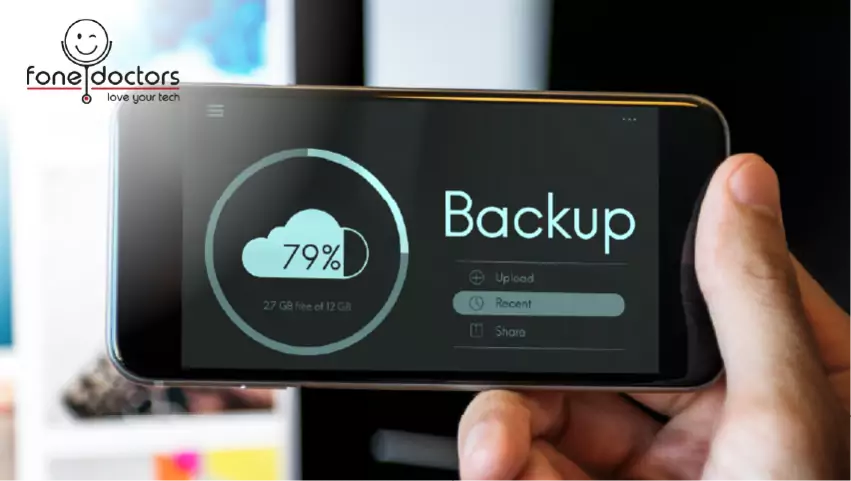
- Turn on automatic cloud backup and verify it is actually running. Check the date of the last successful backup — a great many people have backup enabled but stalled months ago because storage filled up.
- Pay for the storage tier you need. A few pounds a month against the cost and stress of professional recovery is not a close comparison.
- Follow the 3-2-1 principle for anything irreplaceable: three copies, on two different types of media, with one kept somewhere else.
- Back up your authenticator app. Most now offer encrypted cloud sync. Enable it, and store your recovery codes somewhere separate from the phone.
- Export WhatsApp chat backups if the history matters to you — the default settings do not always cover media.
- Check your backup once a quarter. A backup you have never verified is a hypothesis.
Related repair guides
Liquid is the most common reason a phone dies with photos still on it — follow the water damage first-hour checklist. Laptops follow a different power path: see MacBook will not turn on.
Key Takeaways
- A phone that will not turn on usually has fully intact data. Storage is separate from the components that fail.
- Never factory reset a device whose data you need. It destroys the encryption key permanently and irreversibly.
- Stop trying to power on or charge a water-damaged phone. Each attempt reduces the odds.
- Avoid free recovery software — much of it writes to the device and overwrites what you are trying to save.
- Check iCloud, Google Photos, WhatsApp backups and computer backups before paying for anything.
- Repair and data recovery are separate jobs. A device beyond economic repair may still give up its data.
Frequently asked questions
In most cases, yes. Storage is a separate component from the parts that typically fail, so a phone that will not boot because of a dead battery, broken screen, damaged charging port or power fault usually has entirely intact data. The main exception is a device that has been factory reset, which destroys the encryption key permanently.
Share with your community
Get in touch
Questions about this repair? Send a message or book a slot at a London clinic.